For fire safety contractors
Win the work. Prove the work. Hand your client a login.
From site survey to signed-off report without the paperwork — and a live register your client reads under your brand. That is the tender answer nobody else gives.
Works fully offline
Sound familiar?
The job is done. Now find the evidence.
Evidence everywhere, record nowhere
Photos in WhatsApp, checks on carbonless pads, findings typed up on Friday night. Each handoff loses something.
The client keeps chasing
Reports buried in email threads; the building safety manager asking for "everything on Block C since 2024" before an audit.
Tenders ask the hard question
"How will the works be evidenced and made available to the Responsible Person?" — and a PDF folder is not a strong answer.
The workflow
Surveys, installs, remedials and periodic checks — one pipeline.
Surveys: every door and seal on the register before the first quote.
Walk the building once. Each asset is tagged, photographed and pinned on the plan as you go, so the survey IS the register — nothing to re-key, and the install team starts from it.
On site: scan, check, done.
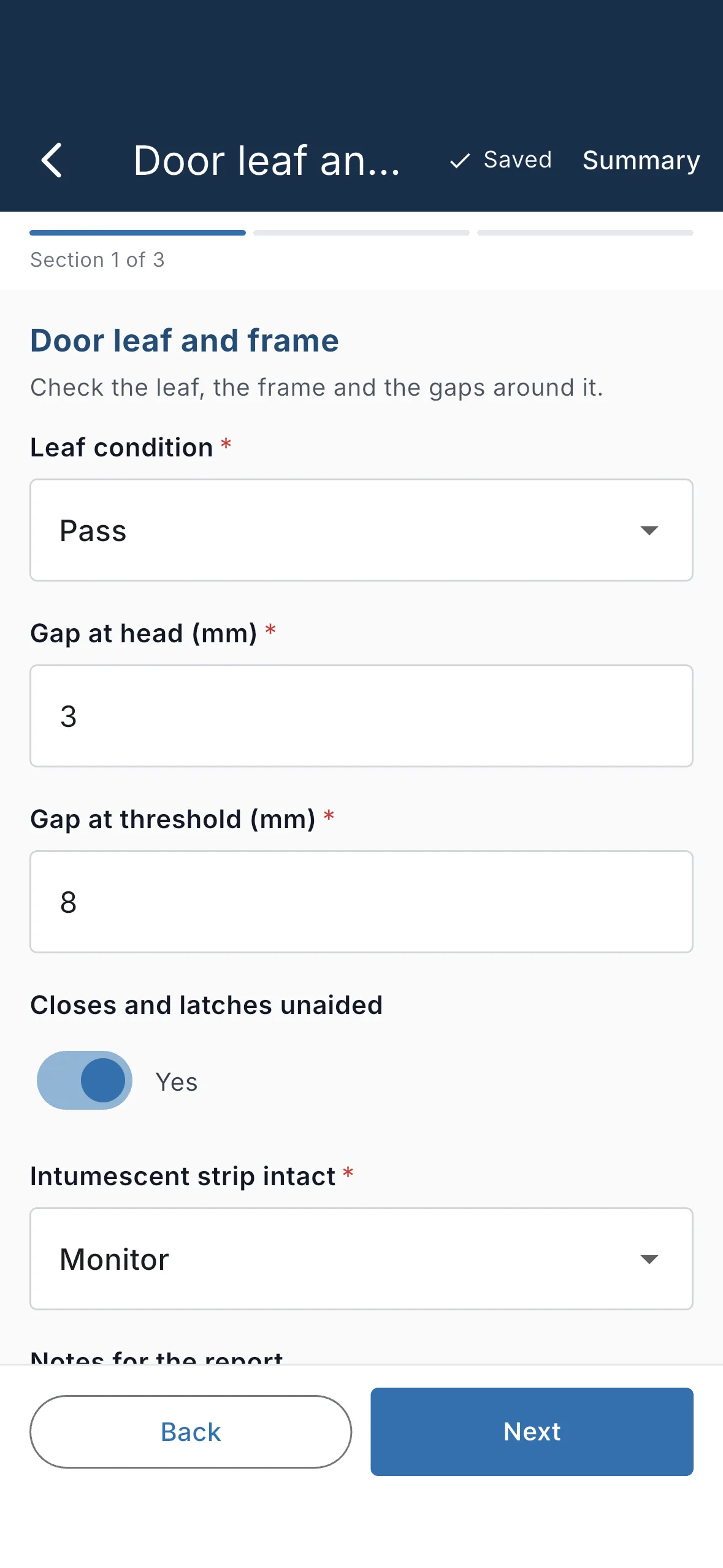
Scan the tag, and the right form opens against the right door — with its history underneath. Pass/fail checks, photos of defects, a pin on the floor plan, a signature. Fully offline in basements and stairwells; it syncs when you're back on signal.
Back at the office: review every submission, push issues to the operative's phone for rework, approve — and the branded PDF writes itself, with its job reference (QT-26-00142) quoted on every page.
Installs: the record starts the day the door goes in.
Scan the new tag, record the product, the fitter and the certificate, and the door's history begins with its install — the evidence the handover pack always asked for.
On site: scan, check, done.
Scan the tag, and the right form opens against the right door — with its history underneath. Pass/fail checks, photos of defects, a pin on the floor plan, a signature. Fully offline in basements and stairwells; it syncs when you're back on signal.
Back at the office: review every submission, push issues to the operative's phone for rework, approve — and the branded PDF writes itself, with its job reference (QT-26-00142) quoted on every page.
Remedials: close the finding against the asset that raised it.
A defect found on a periodic check becomes a job on that asset. The remedial is filed to the same tag, so the before and after sit together on the register.
On site: scan, check, done.
Scan the tag, and the right form opens against the right door — with its history underneath. Pass/fail checks, photos of defects, a pin on the floor plan, a signature. Fully offline in basements and stairwells; it syncs when you're back on signal.
Back at the office: review every submission, push issues to the operative's phone for rework, approve — and the branded PDF writes itself, with its job reference (QT-26-00142) quoted on every page.
Periodic inspections: the quarterly and annual checks, booked ahead.
Schedule rules book the next Regulation 10 check before the last one lapses. The operative scans the door, runs the check and the record files itself — on time, every time.
On site: scan, check, done.
Scan the tag, and the right form opens against the right door — with its history underneath. Pass/fail checks, photos of defects, a pin on the floor plan, a signature. Fully offline in basements and stairwells; it syncs when you're back on signal.
Back at the office: review every submission, push issues to the operative's phone for rework, approve — and the branded PDF writes itself, with its job reference (QT-26-00142) quoted on every page.
The tender edge
Stop sending PDFs. Hand your client a login.
Attach a client to a project and they get a free, read-only account: a live register, compliance dashboard and every approved report — under your brand, from day one. They see approved work only; your drafts, pricing and internal notes never leave your team.
- Costs you nothing — client and guest seats are free
- Answers the evidence question in every tender, in one line
- Makes you harder to replace — and easy to recommend
What your client sees · free
- Compliance dashboard — % in date, overdue, next visit
- Every approved report as a branded PDF
- Buildings, assets and floor plans, read-only
- Due and overdue across their estate
Never shown: drafts, internal review, your forms or your catalogue.
Features
Everything a compliance contractor runs on.
Statutory form library
Reg 10, Reg 7, PEEPs and FRA checklists from government guidance — or describe your own form and the AI drafts it.
Visit planner
Schedule rules on products and sites book the next check before anything falls overdue, and build the day's route per operative.
Plans & 3D
Traced floors with every asset pinned and coloured by compliance — the view that sells the next survey.
Branded reports
Approval generates the PDF in your livery with the job reference, floor-plan callout and every photo in place.