Every fire door, tagged, inspected and evidenced.
MyQTAG gives fire door and fire-stopping contractors a QR tag on every asset, an offline inspection app for the operative, and a client-ready report the moment the job is approved.
A 20-minute call · No card needed
Who it's for
Built for the people who do the work — and the people who have to prove it.
Contractors
Fire door & fire-stopping contractors
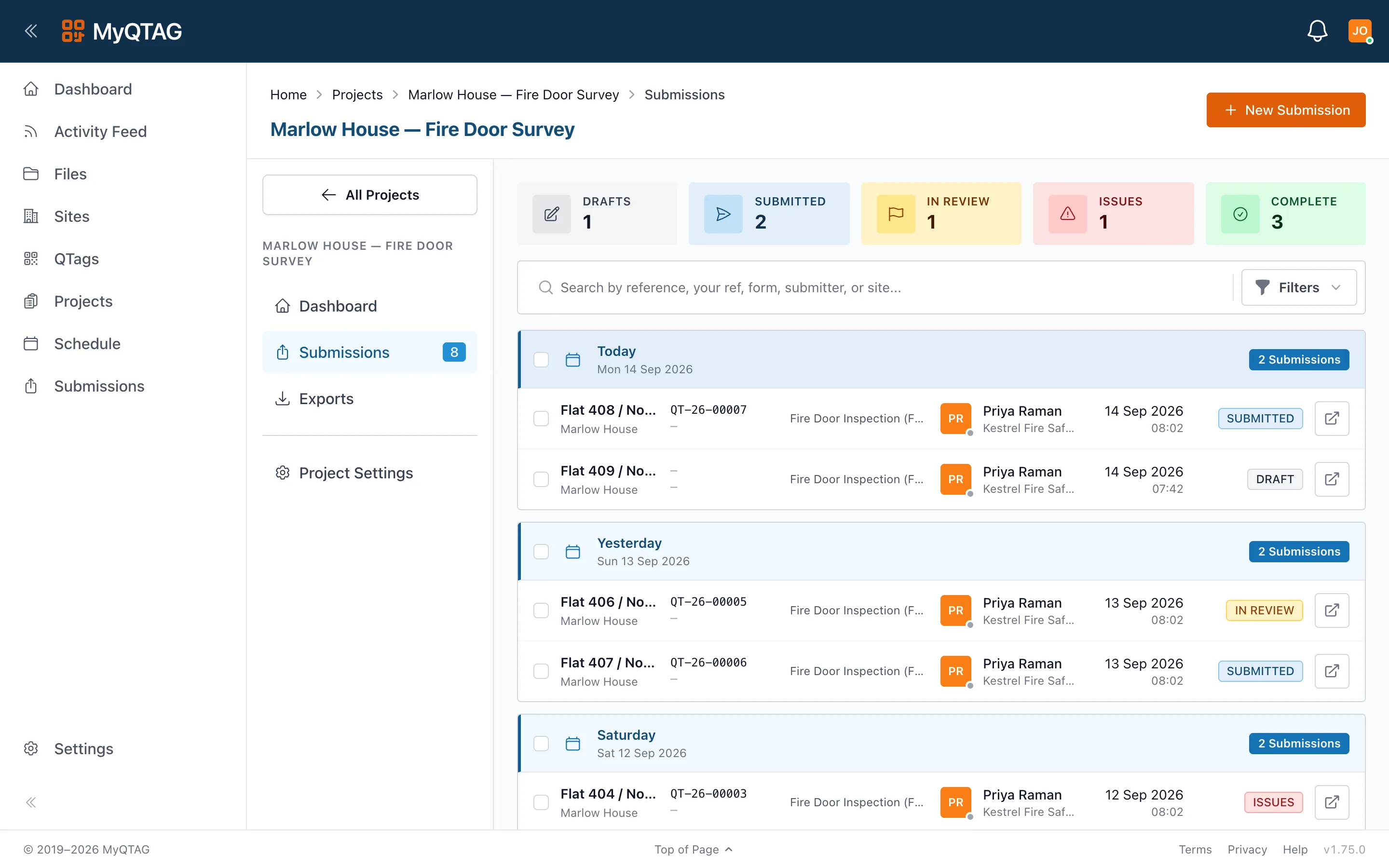
Surveys, installs, remedials and periodic inspections captured on the phone, with photos, signatures and floor-plan pins. Approve in the office, send the client a branded PDF.
Learn more
Building owners
Housing associations & property managers
One live register of every fire door across your estate, with the golden-thread history behind each tag — whoever inspected it. Give contractors access without giving up your data.
Learn more
How it works
Tag it. Inspect it. Prove it.
Pending
qtag-on-door
1440×960
Tag every asset
Order durable QTAG labels, stick one on each door or seal, and it becomes a permanent record. Scanning the QR opens its history — even on the OS camera.
Inspect offline
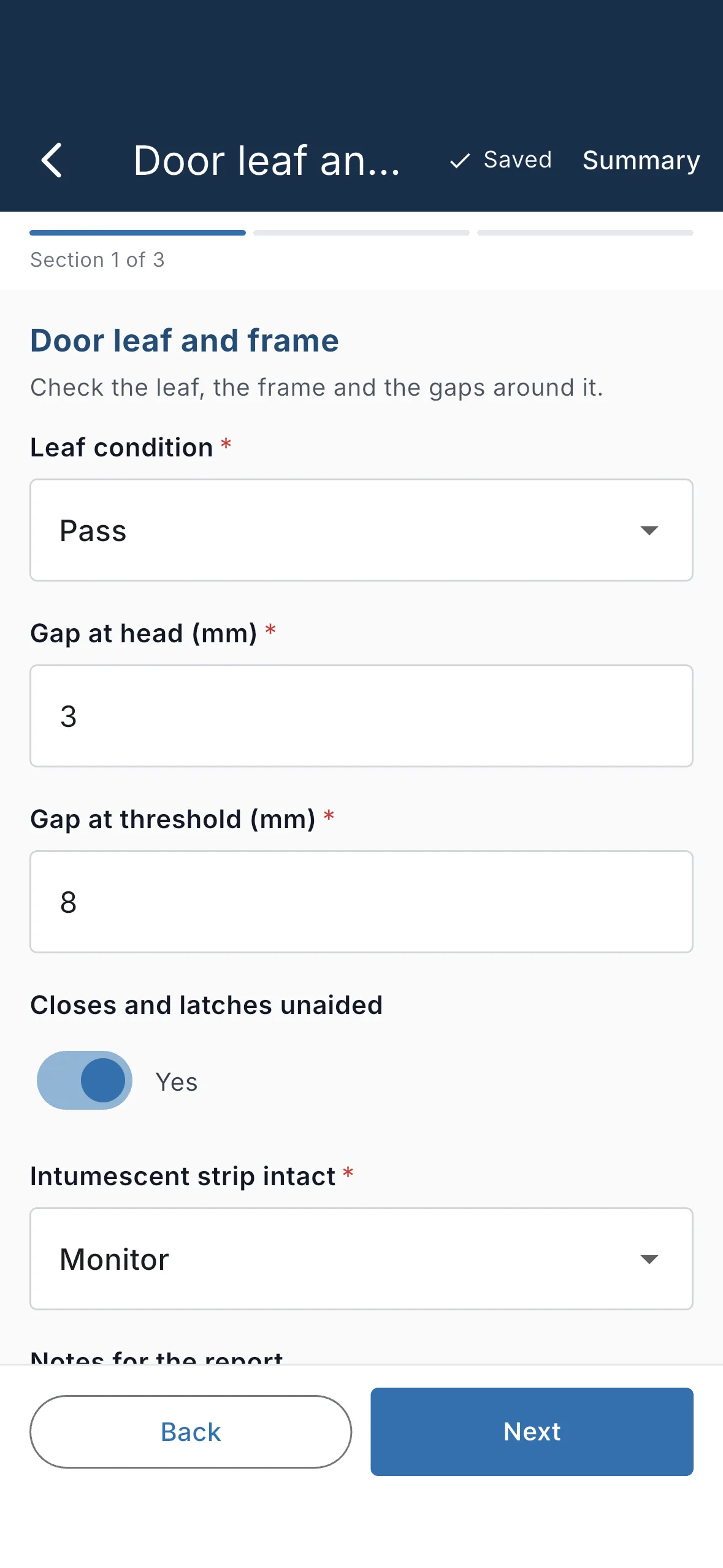
Your operative syncs the project, walks the building with no signal, and captures inspections against your own form templates. It all syncs when they're back online.
Approve and report
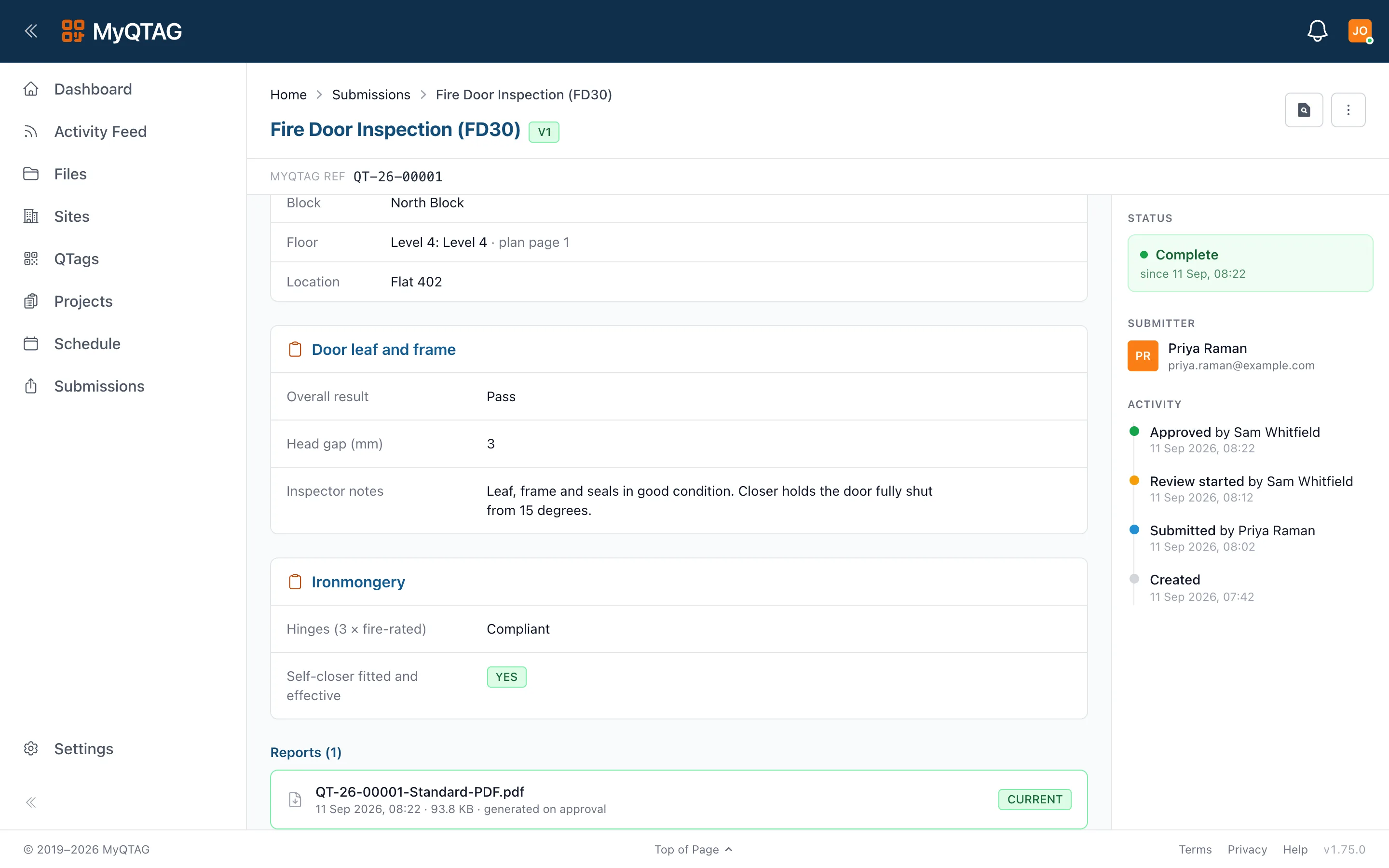
Review in the office, approve, and the client-branded PDF is generated automatically — with the floor-plan callout showing exactly where the door is.
Platform
Everything from the tag to the report
QTAG labels
Order, assign and replace physical tags. A tag survives contractor changes — the history stays with the building.
Offline mobile app
Full capture with no connectivity: photos, signatures, QR scans, new locations. Prepare a patch of the estate before you go.
Your own inspection forms
Build and version templates per form type. Clients can require a template on their project.
Sites, floors and floor plans
Site → block → floor → location. Drop pins on the floor plan; reports show the callout.
Client access and sharing
Connect a client to a project. They see approved work and files — never your drafts.
Reports, exports and files
Branded PDFs on approval, bulk exports, a file manager with signed share links and an audit log.
Why a tag?
The record belongs to the door, not the contractor.
When a housing association changes contractor, the paperwork usually changes with them. A QTAG stays on the door: the new contractor scans it and sees what was there before, while each team keeps its own site records. That's the golden thread, in practice.
One door, one tag
A000418
Scanning it opens the same record, whoever is holding the phone
Contractor A
Held the contract in 2024
Recorded the install and two periodic inspections.
Contractor B
Holds it from 2026
Scans the same tag and sees all of it before starting.
See MyQTAG on your own building.
Twenty minutes on a building you know — the register, the app and the report, walked through on the work your team actually does.